Grades 3–5
Courage and Remembrance
An age appropriate introduction to Pearl Harbor through personal stories, acts of courage, remembrance, and guided reflection.
Explore this pathway →Free for schools · Grades 3–12 · Nationally aligned
Harrison's Heroes gives educators a complete path from preparation through assessment, centered on a five minute immersive experience students can enter in full VR on Meta Quest or explore in interactive 360 on a laptop, Chromebook, tablet, or phone.
Choose where to begin
Select a destination to go directly to the page, tool, or working immersive experience.
Follow the complete teacher process from registration through certificates.
Open the process → 02Choose the grade 3–5, 6–8, or 9–12 learning pathway.
Explore curriculum → 03Launch the working full VR or interactive 360 experience.
Launch experience → 04Review detailed NCSS and CCSS alignment by grade pathway.
Review standards →Choose the right level
Each pathway uses age appropriate questions, activities, assessment, and sensory guidance while keeping the central history consistent.
Grades 3–5
An age appropriate introduction to Pearl Harbor through personal stories, acts of courage, remembrance, and guided reflection.
Explore this pathway →Grades 6–8
Students connect chronology, geography, firsthand stories, and historical choices to the lived experience of December 7, 1941.
Explore this pathway →Grades 9–12
Students examine evidence, historical memory, representation, and the responsibilities that come with preserving and interpreting the past.
Explore this pathway →The immersive experience
Students encounter Pearl Harbor through a carefully guided 360 degree story. The experience is not a combat game and does not require an app store download.
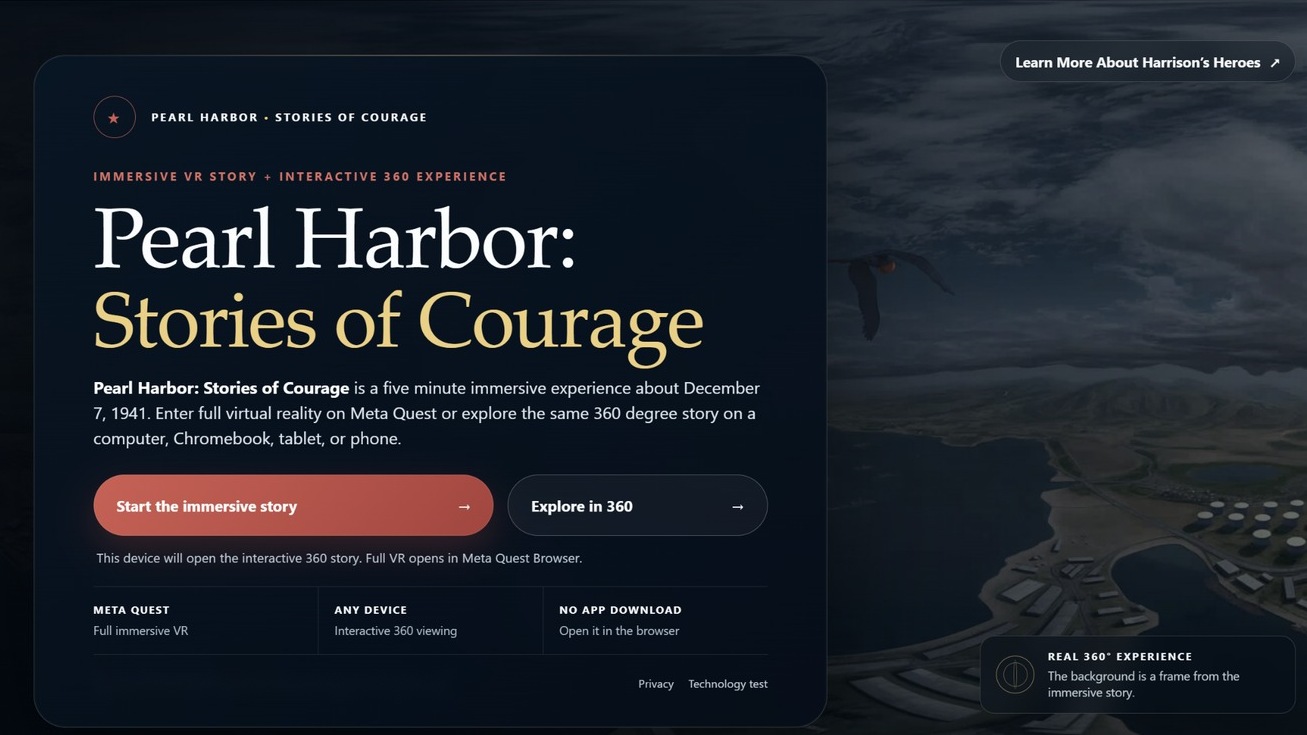
Full immersive virtual reality through Meta Quest Browser.
Interactive 360 viewing with mouse, trackpad, or keyboard.
Touch controlled viewing for individual or small group access.
The accessible scene guide, non headset viewing, and lesson materials support students who do not use VR.
Everything in one place
The public site explains the program before registration. Registered educators can later access classroom tools and downloadable resources.
Start with the grade pathway, launch the Pearl Harbor VR experience, download the lesson, and follow the classroom checklist.
Use a classroom code, complete the experience, respond to age appropriate prompts, and receive a completion certificate.
Review supported technology, low bandwidth options, troubleshooting, accessibility, and school network considerations.
Nationally aligned
The curriculum connects historical inquiry, literacy, source analysis, geography, civic reflection, and media literacy to nationally recognized frameworks.
Register your school to receive grade pathway resources, classroom setup guidance, and future access to classroom tools.
Celebrate student learning and join a growing community of educators bringing history to life.
Immediate educator access
Create an account in about two minutes. After signing in, you can download curriculum, create classroom codes, and begin planning.